I barely know how to use my camera. I’ve paid for good lenses and bought high-end cameras for their large, quality sensors. They have many image quality sensors that I don’t use, choosing rather to use PC-based image editing software (usually Adobe Light Room) for those functions. That workflow has worked pretty well for me, but there were some stand outs during my 2026 world cruise that showed me I have a ways to go. Below are two examples:
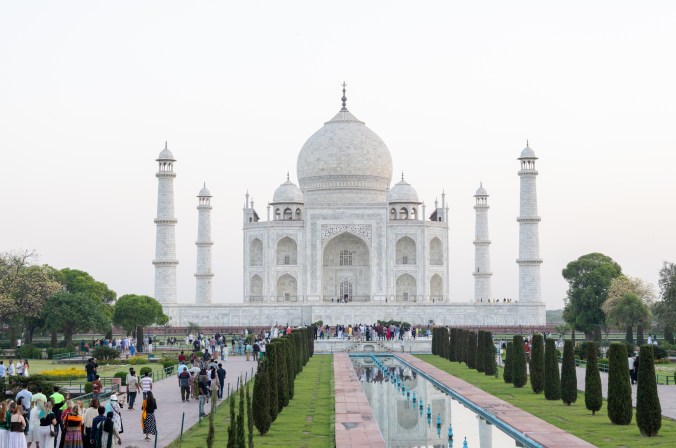
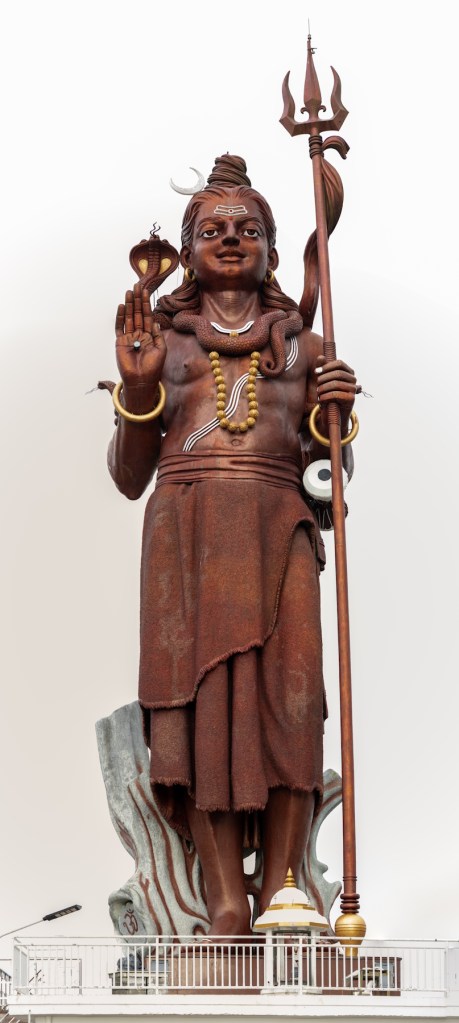
On both of these pictures I completely lost the blue sky and I did not have the Light Room skills to bring in the blue background without mucking up the foreground.
Well, it’s time to do something about that. Part of the reason for my northern Arizona trip is to learn how to use the Calibrite Colorchecker Passport 2.
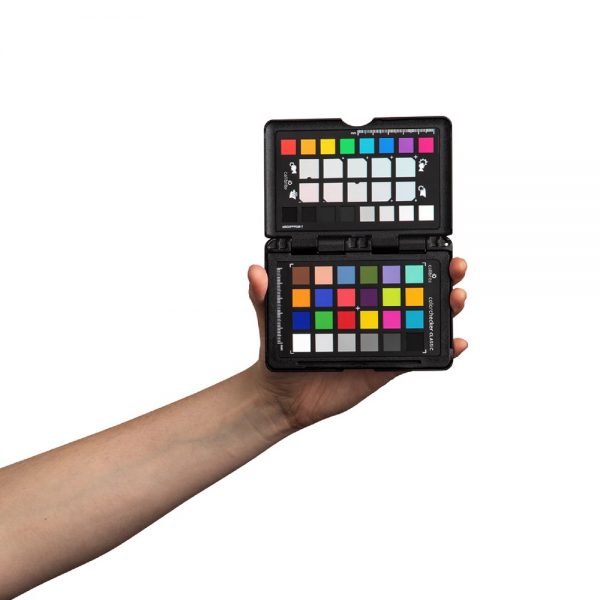
The intent is to take a picture of this color card in the environmental light of your photography. When you are back on your PC you use their dedicated software on this picture to created a “profile” that is imported into Light Room that changes the starting point of your following pictures with more accurate color and lighting settings.
At least, that’s the plan. The next few posts will be of the Grand Canyon while trying this out. Stay tuned.

